Bookings arrive through multiple channels
Website, WhatsApp, and phone bookings need to be recorded in one schedule instead of separate copies.
Show availability by service and provider, collect a deposit or payment, and send confirmations and reminders from booking to completion.
Fit is not determined by business size. It depends on connecting the appointment to the provider, time, payment, customer, and communication.
Website, WhatsApp, and phone bookings need to be recorded in one schedule instead of separate copies.
Availability must account for service duration, eligible providers, and time between appointments.
Payment status, remaining balance, and invoice need to stay connected to the customer and booking.
Cancellations, rescheduling, and add-ons happen in chats and then require manual schedule updates.
You need limits for simultaneous bookings or people and services connected to one or more providers.
Your branded site presents the service, price, availability, and questions, then records booking and payment.
Examples: Salons · Clinics · Physical therapy · Pilates and yoga · Academies · Cleaning · Car washes · Consulting · Chalets
This is the daily journey for customers and staff—not a standalone calendar.
Set duration, providers, capacity, buffer, branch, price, deposit, and booking window.
Present the description, images, prices, available times, and custom questions under your identity.
They choose the service, provider when enabled, time, and required details—or staff record an inbound booking.
Connect the payment method, paid and remaining amounts, and invoice to the booking under the enabled setup.
Customer and team receive updates through enabled channels instead of separate manual follow-up.
Update the appointment and attendance or cancellation status according to policy and permissions.
Bookings, payments, invoices, and customer history stay together for the next action.
Rekaz calculates availability from service setup, while full-day, mobile-location, and complex resource bookings require scenario review.
A defined duration, eligible providers, buffer, booking window, and optional customer provider choice.
For salons, clinics, consulting, and specialist servicesSet simultaneous booking and maximum person limits according to product configuration.
For classes, workshops, and some group activities after testing capacity rulesMay require different location, resource, and timing fields from a standard appointment, so the flow is reviewed before launch.
Do not assume route planning, room inventory, or a waitlist without verificationSee what customers and staff use and how time connects to payment and communication instead of a generic dashboard.
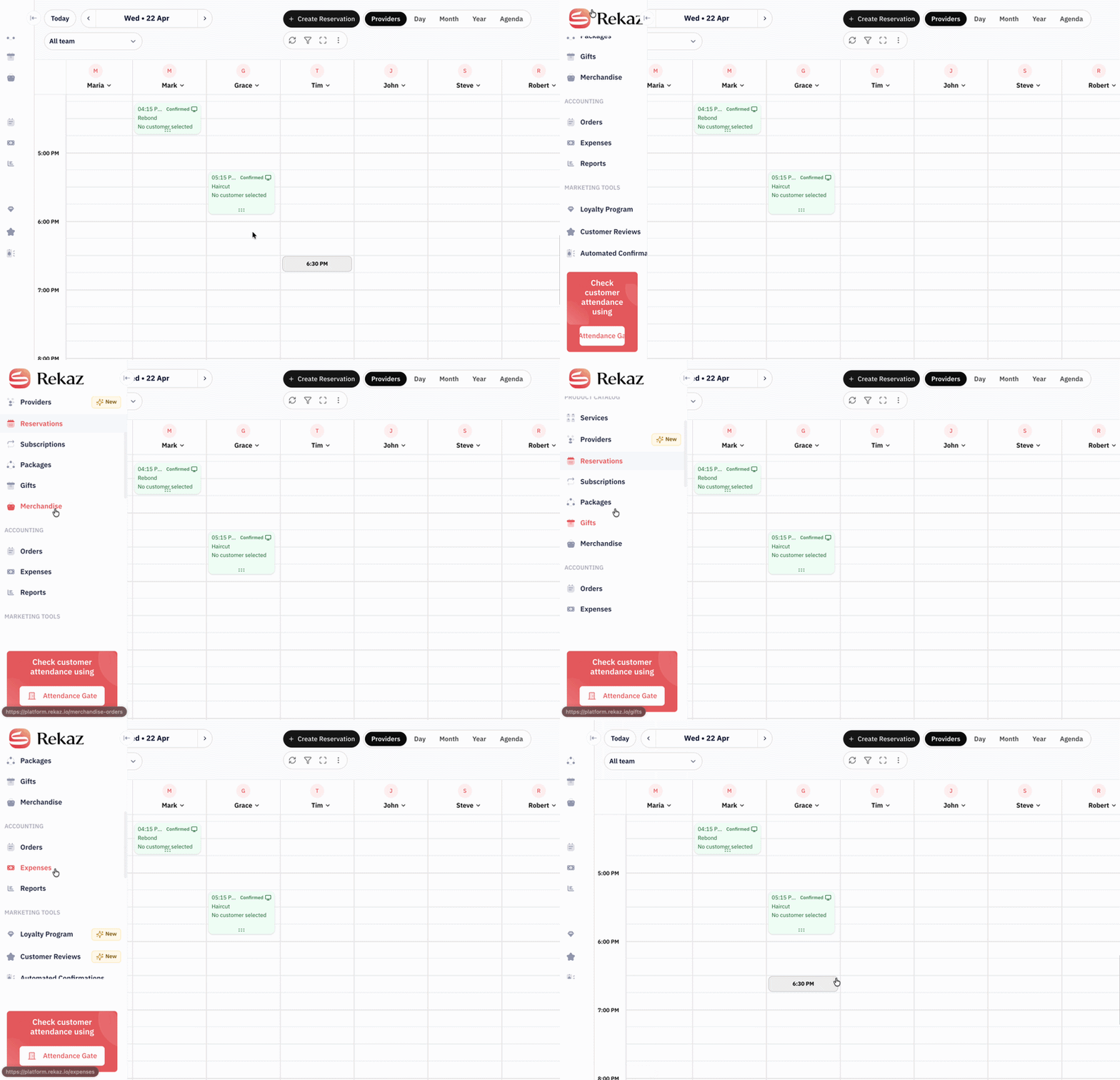
View bookings by day and provider and record inbound bookings in the same schedule.
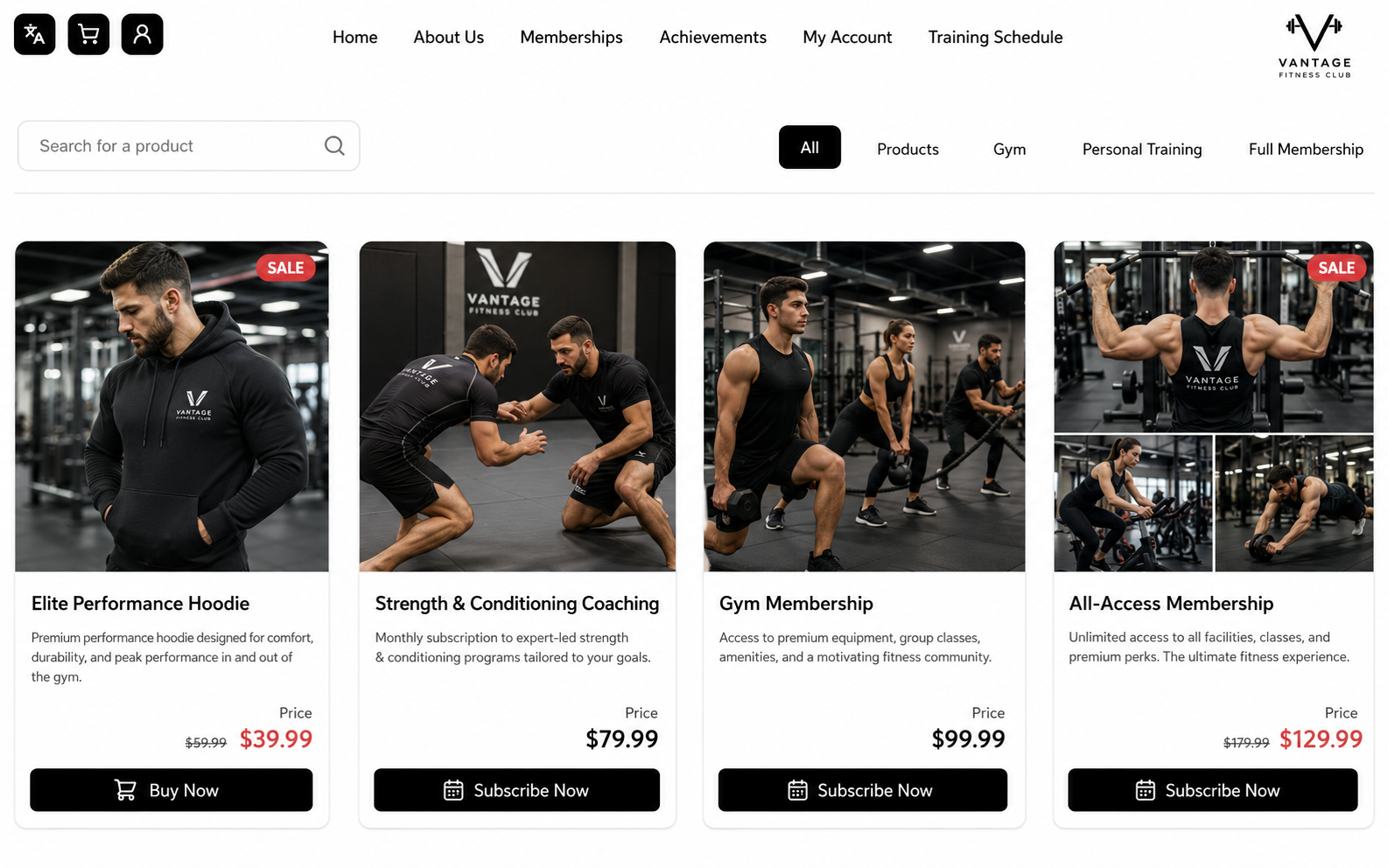
Connect WhatsApp messages to booking data instead of writing every confirmation manually.
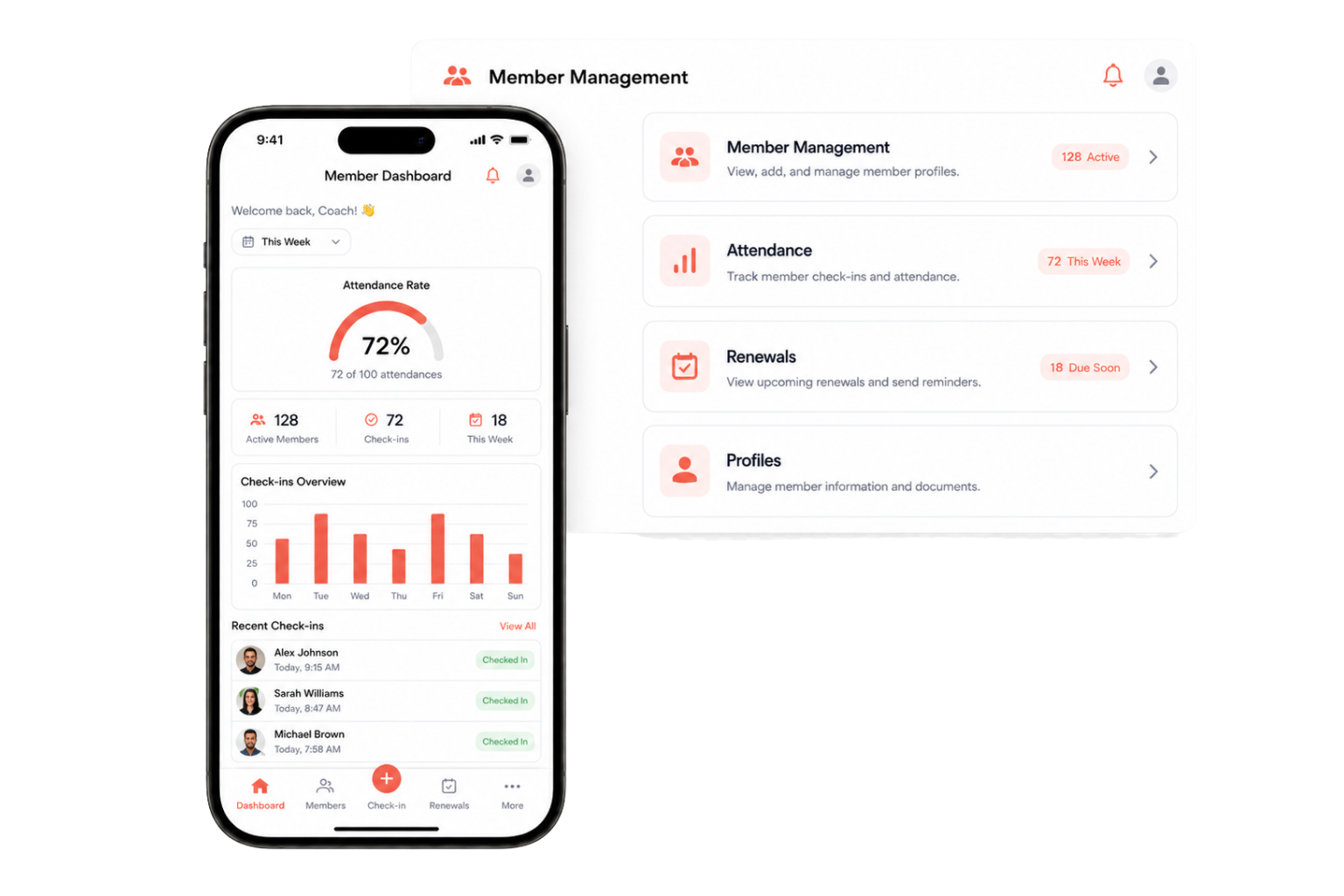
Present services, prices, providers, and available times on a website carrying your brand.
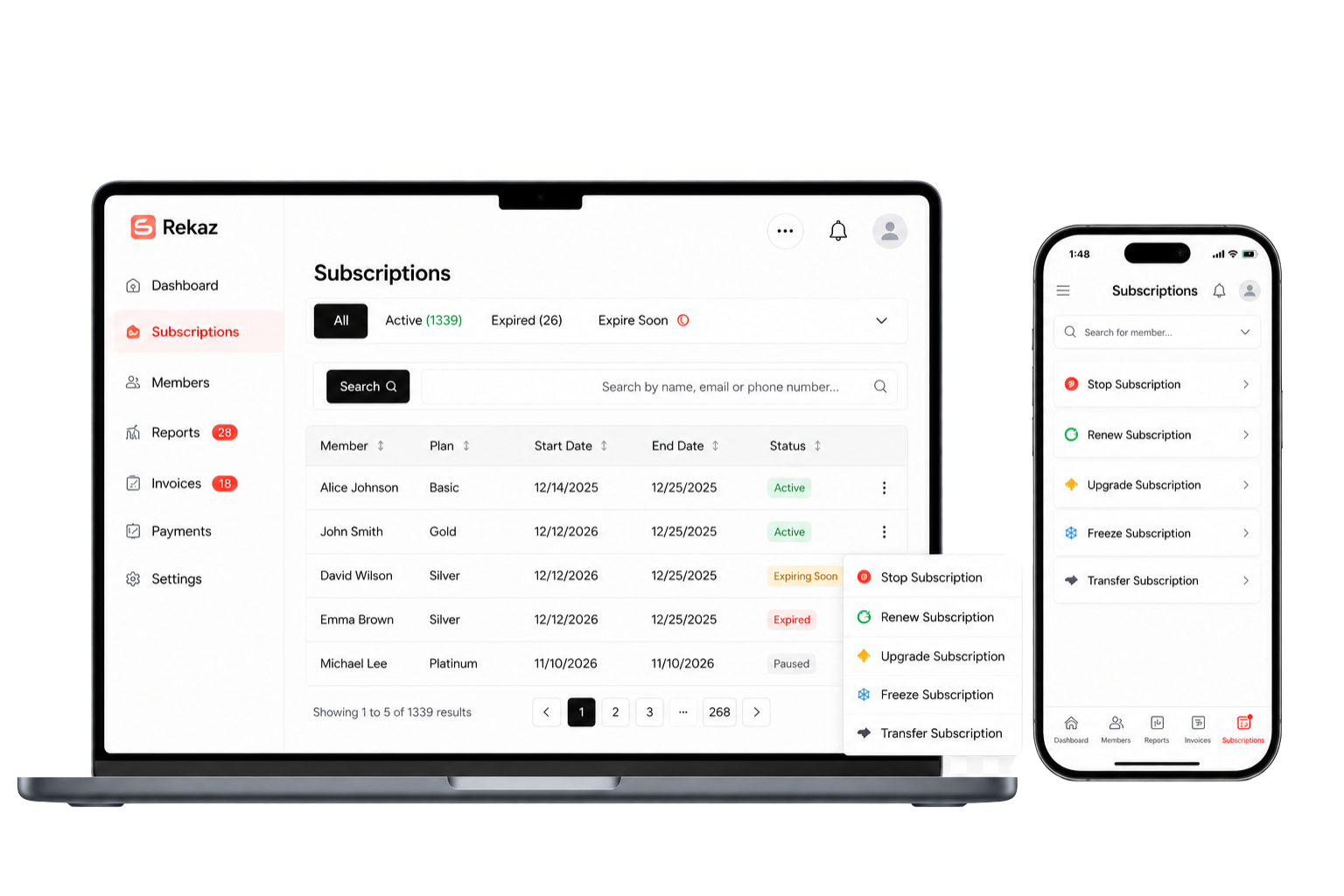
You may continue using WhatsApp or Google Calendar with Rekaz, but each tool has a different role.
| Decision criterion | WhatsApp only | Generic calendar | Booking marketplace | Rekaz |
|---|---|---|---|---|
| Availability source | Manually updated | Calendar events | Defined by the platform | Duration, provider, capacity, and branch setup |
| Business identity | Conversation only | No customer journey | Marketplace brand is often visible | Website under your name and identity |
| Customer data | Inside conversations | Scattered notes | Subject to marketplace policy | Kept in your customer record |
| Deposit and invoice | Separate tools | Usually unavailable | Depends on platform and commission | Connected to booking based on plan |
| Confirmation and reminder | Manual sending | Calendar notification | Through marketplace channels | Messages connected to booking data |
| Branches, staff, reports | Separate follow-up | Calendar per user | Depends on marketplace design | Managed from one account |
Google Calendar and other systems may be connected where supported. Complex resources and custom policies require implementation review.
“After registering with Rekaz, the customer no longer needs to contact me directly. They have a booking link, see what is available, choose a time, and book immediately.”
Every booking depended on direct contact with the owner to ask about availability and confirm a time.
Customers can now see availability and book directly from the link. We do not attribute a measured drop in calls or increase in bookings because no validated measurement is available.
Availability, payment, and cancellation behavior differ by business. We review these points before you rely on the setup.
One schedule reduces cross-channel collision, but we do not guarantee zero conflicts without testing duration, capacity, providers, buffers, and staff recording behavior.
Define who can change a booking, deadlines, fees, and refunds. Do not assume every policy is enforced automatically in the same way.
Confirm message types, templates, sender number, balance or cost, and the connection method before activation.
Rekaz does not take a percentage of bookings, but payment or installment providers may apply their own contractual fees.
Full-day, customer-location, or complex-resource bookings may need different fields and rules. Do not assume route planning, room inventory, or waitlists.
Customer import, API booking creation, and calendar or external tool connections require field, plan, and technical scope review.
We do not promise one timeline for every business; timing depends on services, providers, branches, data, and integrations.
Booking sources, services, duration, providers, capacity, payment, communication, and change policy.
Set working hours, duration, buffer, branch, price, deposit, and required customer questions.
Inspect customer data, calendars, and systems that need to move or connect and define their scope.
Test customer and staff booking, payment, messaging, changes, and attendance before fully switching.
These questions repeatedly appeared across 217 demos with appointment and reservation businesses.
Review plans and pricing→All recorded bookings use the same availability schedule. Staff must enter phone and WhatsApp bookings in Rekaz and configure duration, provider, capacity, and buffer, then test the scenario before launch.
Services can be linked to eligible providers and working hours. Customers may be allowed to select a provider and see the provider name. Review schedules and branches for each setup.
The booking product guide shows an option allowing customers to select more than one provider for the same booking. Test availability and duration calculations for this scenario.
You can define simultaneous booking and maximum-person limits. Test the actual capacity rules before publishing the service.
A booking product can include a price and deposit with enabled payment methods. Confirm how remaining balance, invoice, and refund behavior work in your configuration.
Customer permissions, deadlines, fees, and update messages depend on configuration and business policy. We review the scenario rather than assuming every change or refund is automatic.
Custom fields can collect additional information, but location, service-area, full-day, and resource logic differ. Test the flow first; route planning is not implied.
Customer import and integration through the documented API can be reviewed. Booking endpoints and available fields depend on the current API, plan, and data quality.
Cost depends on plan, capabilities, and add-ons. Review pricing and request written confirmation for messaging, payment, integrations, and custom setup fees.
Start directly, or book a working session to review services, duration, providers, capacity, payment, and communication.