You follow up on renewals manually
Your team relies on WhatsApp or spreadsheets to identify expiring members and follow-up actions.
Create plans, enroll members, track every subscription and its usage, and connect payments, attendance, communication, and renewals.
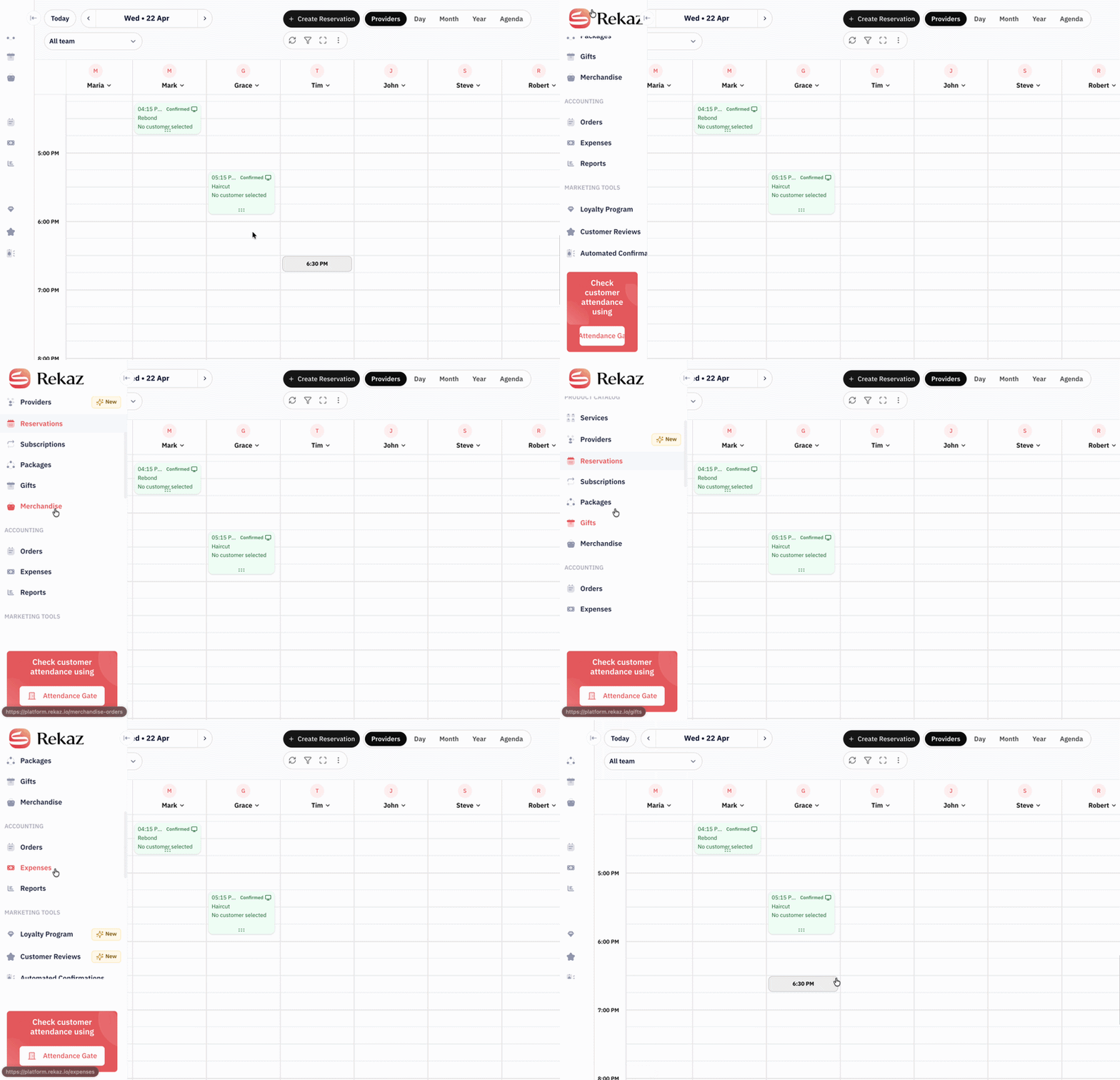
Fit is not determined by company size. It depends on whether you need to connect the subscription to the customer, payment, usage, attendance, and renewal.
Your team relies on WhatsApp or spreadsheets to identify expiring members and follow-up actions.
Staff and customers need a reliable view of what has been used and what remains.
You sell before opening or before a cohort begins and need to define the subscription start clearly.
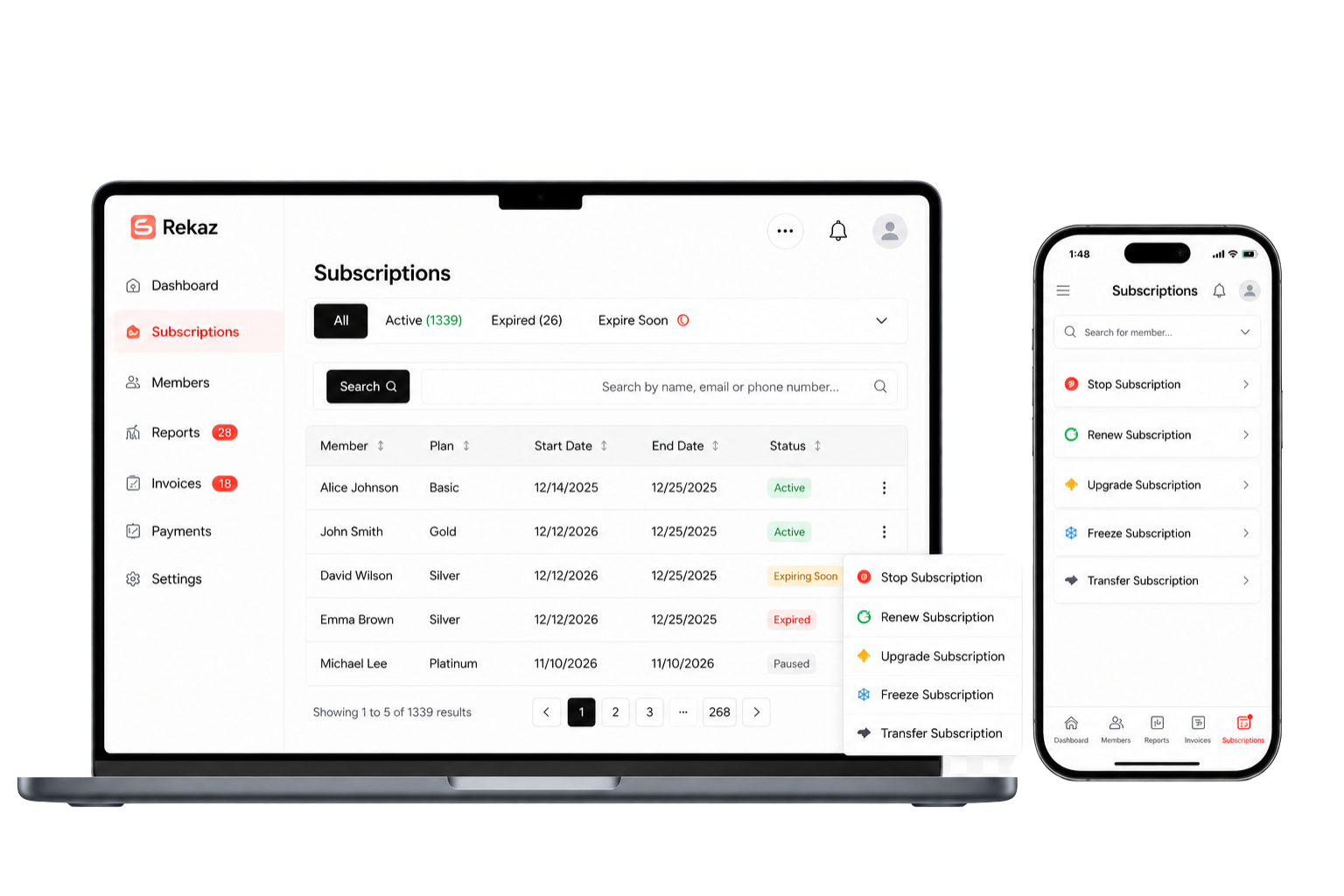
You need to identify active, paused, and expired subscriptions and connect them to attendance or entry checks.
You need shared data, clear permissions, and products, branches, and customers in one account.
Customers can view plans on your branded site and pay without waiting for a manual reply.
Examples: Academies · Gyms · Nurseries · Pilates and yoga studios · Training centers · Membership businesses
This is the daily operational flow your team needs—not a disconnected feature list.
Define the name, price, duration, branch, start date, and relevant product options.
Your team can create it in the dashboard, or the customer can select a plan on your website.
Enable suitable payment methods and keep the payment and invoice status tied to the subscription journey.
See whether a subscription is active and review the customer and subscription details when needed.
Use the entry portal to check validity; physical device integrations require a compatibility review.
Connect confirmation, reminder, and renewal messages to customer data instead of manual follow-up.
Review customers, subscriptions, payments, and reports to identify the next action.
Subscription rules differ. We review them during setup so the platform does not assume a policy that does not fit your business.
A membership with a defined start date and period, such as monthly, quarterly, or yearly.
For gyms, nurseries, and membership businessesA package tied to a number of sessions or services, with usage tracked according to product setup.
For academies, studios, and training centersManage expiry, reminders, payment links, and renewal under the enabled plan and settings.
This does not automatically mean charging a saved card without the required approval and payment setupWe connect Rekaz capabilities to the decision your team needs to make instead of showing generic dashboard images.
Review member information, subscription status, and dates from one place.

Connect WhatsApp messages to booking and subscription data instead of searching conversations.
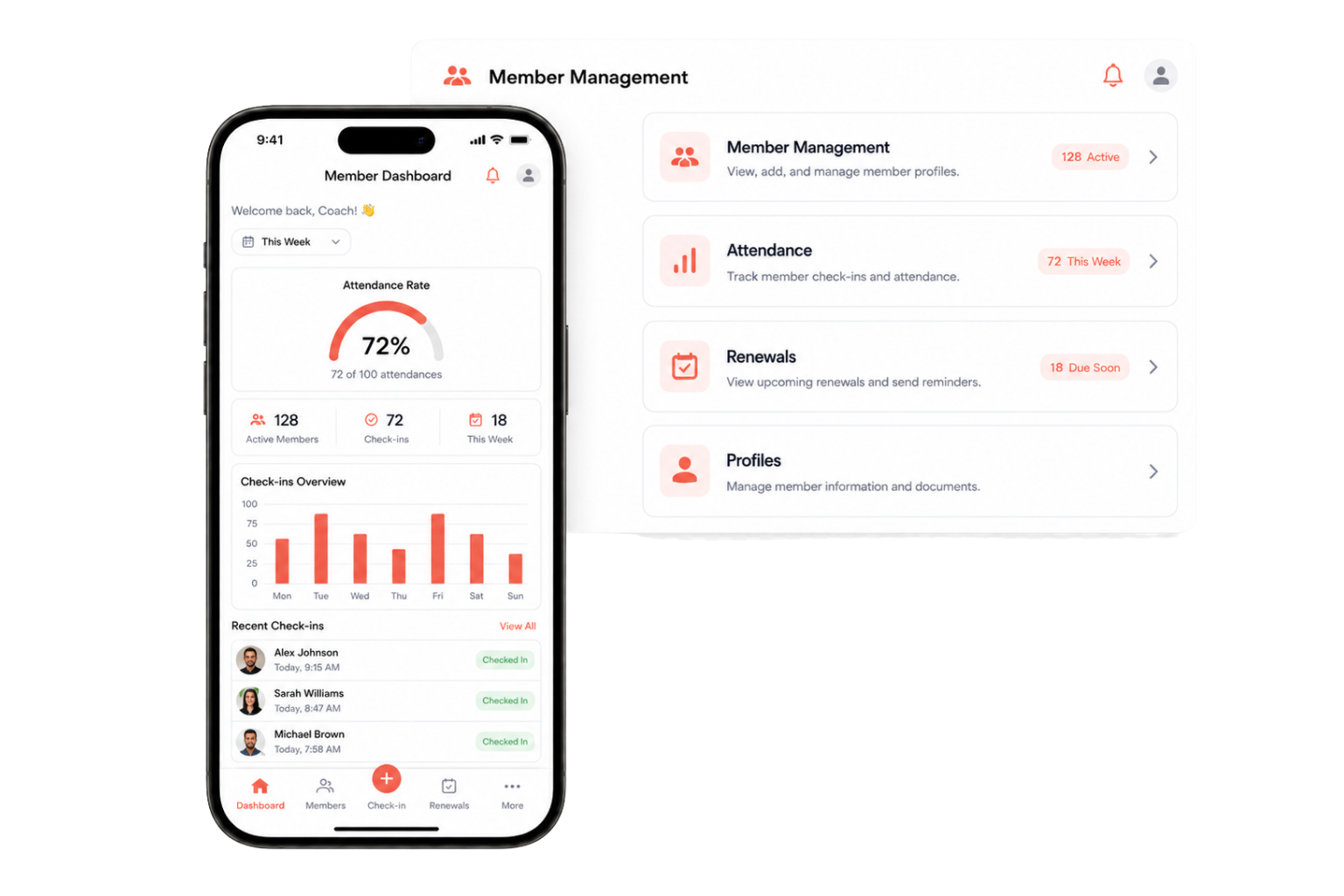
Present plans, prices, and details on a website carrying your business name and identity.
This comparison explains the job of each alternative. You may continue using some of them alongside Rekaz.
| Decision criterion | WhatsApp + Excel | POS system | Standalone access control | Rekaz |
|---|---|---|---|---|
| Subscription status | Manual updates | Usually records payment | Validates entry | Connected to the customer record |
| Session or usage tracking | Manual calculation | Not its core job | Depends on the device | Part of subscription and customer setup |
| Renewal and communication | Manual messages | Usually outside the sale | Usually unavailable | Data-linked messages and payment links |
| Payment and invoice | Separate tools | Available for sales | Usually unavailable | Connected to the subscription journey |
| Branded subscription website | Unavailable | Not always | Unavailable | Available based on website setup and plan |
| Branches, permissions, reports | Multiple files | Sales-focused | Entry-focused | Managed from one account |
You may still need a specialist accounting system or entry device. We define the boundary of each integration before activation.
“Subscription renewal was a major challenge for us: customers subscribed and then forgot to renew. After joining Rekaz, following up on renewals and customers became much easier.”
Following up with customers approaching renewal instead of relying on memory and scattered messages.
Renewal and customer follow-up became easier for the team. We do not attribute a growth or time-saving percentage because no measured result is available.
These are not hidden exceptions. They are questions we review so the plan, cost, and operating behavior are clear.
An invoice or renewal link does not necessarily debit a customer card automatically. Behavior depends on payment setup and available approvals.
Rekaz does not take a percentage of your sales, but payment or installment providers may apply their own contractual fees.
Message types, templates, balance or cost, and the connection method should be confirmed before activation.
The entry portal can validate subscription status. Gates, biometric devices, and connection methods require technical scope review.
We review your freeze, extension, transfer, and cancellation policy to confirm what can be enforced automatically and what needs an admin action.
Customer data can be imported after reviewing fields, format, volume, data quality, and the setup service scope.
We do not promise one fixed timeline for every business; timing depends on data, branches, and integrations. The implementation path is clear.
Duration or sessions, start rules, branches, payment, attendance, and renewal policy.
Set up plans, branches, users, and access according to how the business operates.
Inspect customer and subscription files and define what can be imported and how it will be validated.
Test subscription, payment, entry, reminders, and reporting before fully switching.
These questions repeatedly appeared in sales demos with subscription businesses.
Review plans and pricing→Subscription products can be set up with a duration, and packages and services can be managed according to product configuration. We review session deduction and usage rules before activation.
Rekaz product documentation shows that subscription product setup includes the branch and subscription start date. Test pre-sale and delayed-start scenarios in your configuration.
Rekaz supports managing subscription status, but freeze behavior, end-date calculation, limits, and fees should be matched to your policy before relying on automation.
The entry portal validates the subscription and displays it as inactive when it is no longer valid. Physical gates and devices require a technical compatibility review.
Plans can be displayed on your branded website with enabled payment methods. Renewal and automatic charging depend on the configured flow and payment method.
Rekaz supports branches and products assigned to them. Cross-branch usage rules and employee permissions should be confirmed during setup.
Customer data can be imported after reviewing the file. Moving subscription status, dates, and historical usage depends on available fields, data quality, and migration scope.
Rekaz does not take a percentage of your sales. Separate fees may still apply for payment providers, messages, devices, or add-ons depending on the plan and contract.
Cost depends on the plan, capabilities, and add-ons. Review the pricing page, then request written confirmation for messaging, payments, devices, and integrations in your setup.
Start directly, or book a working session to review plans, branches, payments, attendance, and renewals.