Appointments in one flow
Set services, duration, providers, and working hours, then accept website bookings or add phone and WhatsApp requests to the same calendar.
Rekaz for medical centers
Rekaz is the commercial operations layer for a medical center: it organizes bookings, practitioner schedules, packages, payments, invoices, and communication so the day is clearer for both the team and the customer.
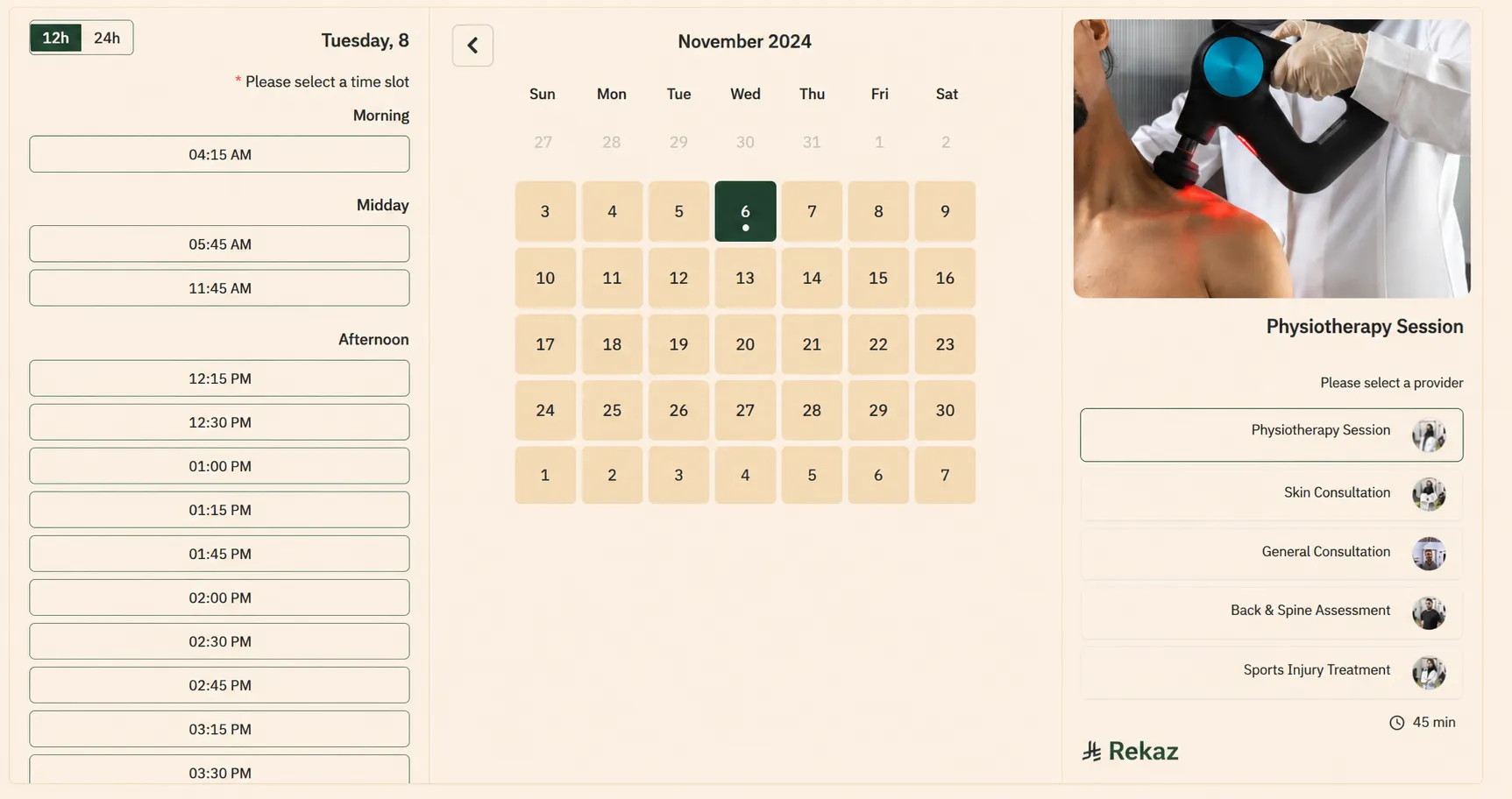
Set services, duration, providers, and working hours, then accept website bookings or add phone and WhatsApp requests to the same calendar.
Offer service packages and recurring visits, then follow what each customer has used and has remaining.
Follow payment, deposit, invoice, booking status, and reminders from one operational record.
Built for the way a center operates
Create a service for each specialty, connect it to a provider, and set the appointment duration and availability the department uses.
Group recurring services into a package, then follow balance, attendance, and usage so every visit starts with clarity.
Run services, customers, and team members from one account, with branches, permissions, and operational data ready for management.
What can Rekaz handle?
Set services, prices, and duration, then connect each service to providers, working hours, and availability.
Design the customer fields and notes reception needs, so booking and service details remain organized.
Let customers book on your website, while recording phone and WhatsApp requests in the same working calendar.
Create service packages, see the remaining balance, and follow attendance and booking status through completion.
Accept electronic payments, record partial payments, send a payment link, and issue an invoice from the same flow.
Connect WhatsApp for confirmations and reminders, then review bookings, sales, attendance, and operational reports.
A clearer operating view
The interface keeps attendance, customer information, and operational follow-up close to the team throughout the working day.
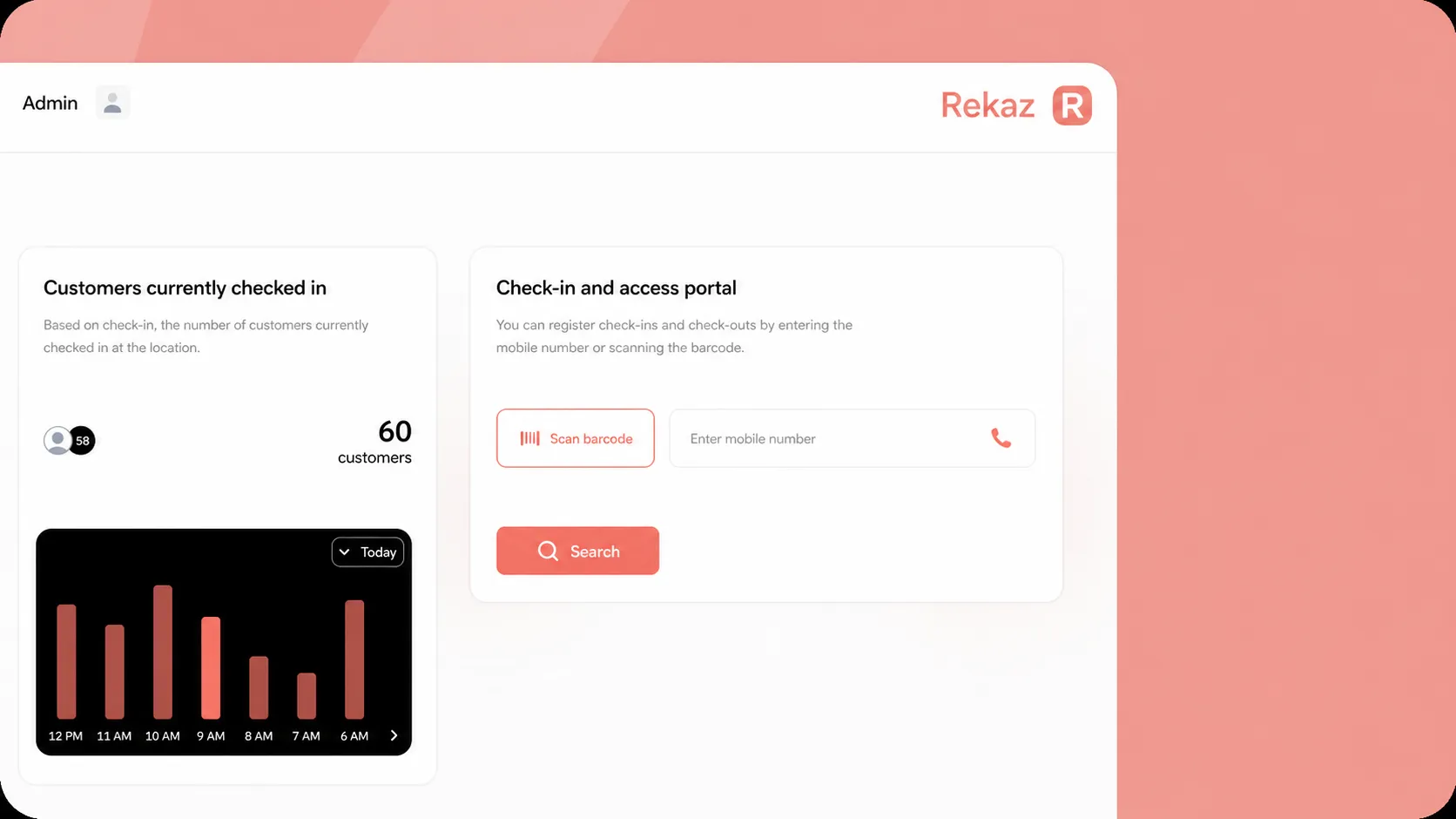
From first booking to the day’s report
Compare the operating layer
They are quick for conversation, but booking, payment, package, and follow-up details remain scattered. Rekaz brings them into one operating journey.
It can show times, while a center also needs customer history, packages, payments, invoices, communication, and reports connected to the visit.
It holds the care pathway and clinical data. Rekaz supports it with a commercial and operational layer for booking, collection, and communication.
It supports sales and financial reporting, while the center journey starts earlier: with availability and booking, then attendance and follow-up.
Answers that support a confident decision
Direct answers to the questions that shape center operations and the customer experience.
Create each department’s services, set their duration and price, connect providers and working hours, then present suitable available times according to your setup.
Yes. Present your services on your website so customers can choose a service and time, while reception adds phone and WhatsApp requests to the same calendar.
Create a package for recurring services, connect it to the customer, then follow used and remaining sessions alongside attendance and payments.
The team manages each booking from the same flow: confirm, update, cancel, or complete the appointment while keeping the day’s follow-up clear.
Connect the center’s WhatsApp number to send booking confirmations and reminders, while keeping service-related communication in your account operations.
Accept electronic payments or record payments, follow the remaining balance, send payment links, and issue invoices through the booking and sales journey.
Yes. Organize branches, services, team members, and permissions from one account, with the operational data each role needs.
Rekaz focuses on booking and commercial operations, while the clinical system remains the reference for diagnosis, clinical notes, and care delivery. The public API supports planning the appropriate system connection.
Supporting details before activation
Once the booking and operational journey fits your center, review these guides for setup, invoicing, and communication.
Define each service, its duration, price, and providers.
Read guide →Set the hours that booking availability uses.
Read guide →Review subscription products and customer management.
Read guide →Review invoices and account reporting.
Read guide →Review WhatsApp connection, templates, and campaigns.
Read guide →Tell us about your departments, practitioners, packages, and collection model, and we will review the right booking and operations journey with you.
Book a medical-center demo